



👋 Hello!
This is issue #27 of Taskflow Tuesday, where I share 3 things that can help you to get digitally organized so that you can spend more time on what truly matters.
✅ 1. Apple Reminders
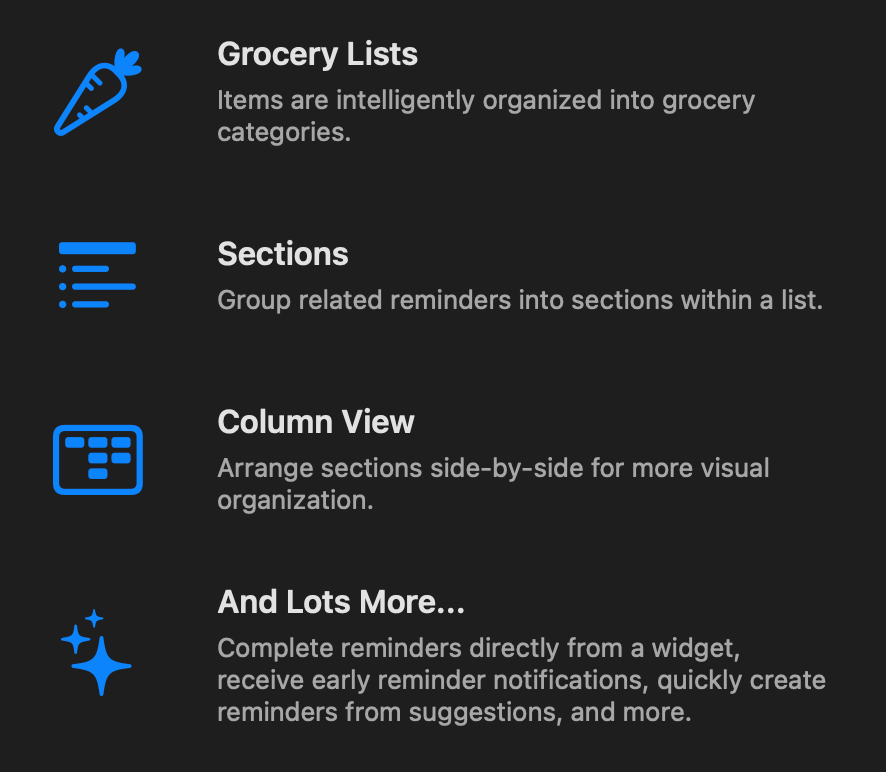
Apple Reminders got another upgrade!
If you take some time to go through your reminders app, organize some things and add some items for your week, you won’t regret it.
I use it for very specific daily reminders since I use a different app for my to do list.
Below are some new features that Reminders has. I’m a big fan of the column view.
🌐 2. 10 Useful Websites from Ben Meer
This list is so valuable for work.
Ben Meer on LinkedIn: 10 valuable free websites.
Here are the websites from the list that I currently use and recommend:
unroll.me (unsubscribes from emails)
unsplash.com (find great stock photos)
thenounproject.com (download an icon for anything)
Here are the websites I am excited to look into:
tools.pdf24.org/en/ (easily work on pdfs)
openlibrary.org (BOOKS)
otter.ai (transcribe and summarize meetings)
Do you use any of these? What websites would you add to the list?
📴 3. Dumb Phone Setup
Here’s my new phone setup.
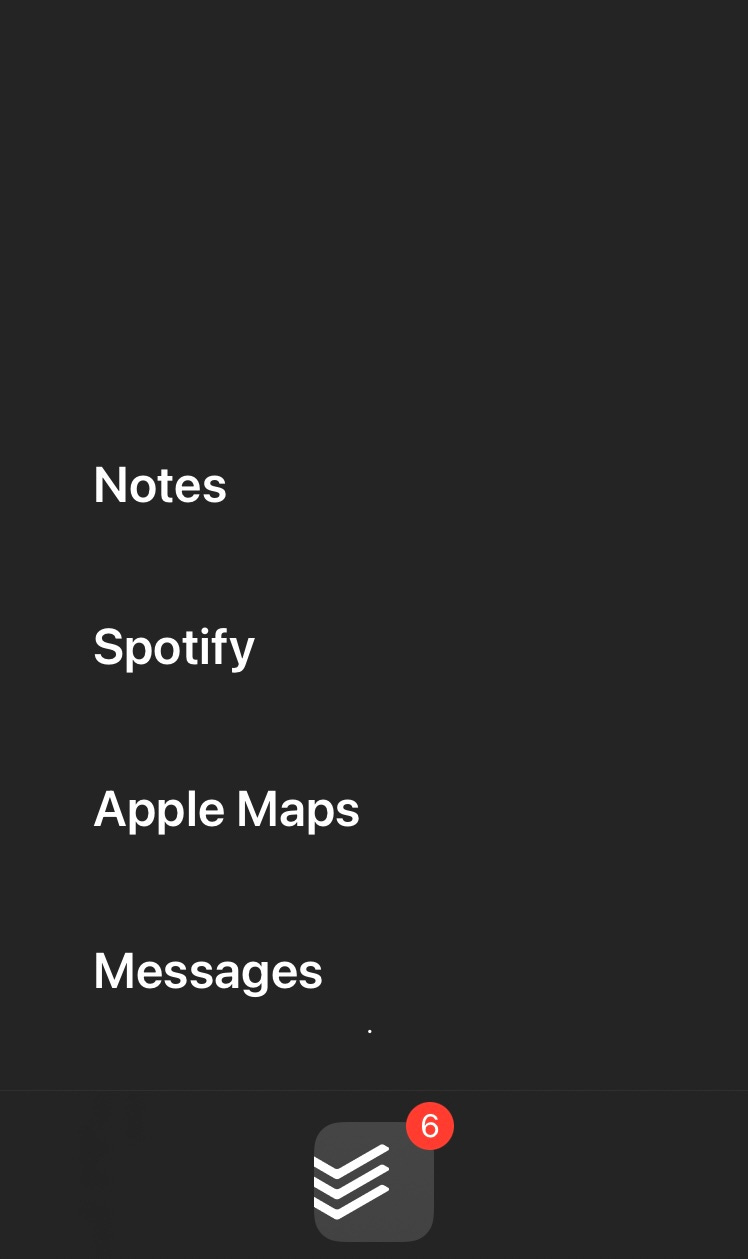
I use the app called on point | Minimal Home Screen. Give it a try!
I also have a hidden stack of widgets at the top of the screen.
I keep these apps in that stack:
🗓️ Weekly Calendar
⏲️ Screen Time
⭕ Fitness
👟 Strava
👋 Want to work together?
Ready to transform your digital chaos into streamlined success? Schedule your free call with me and take the first step towards digital clarity.
That’s all for now! Have a great day. 👊🏼
David
😁 Enjoying the newsletter? Have a friend who would appreciate it as well? Click the button below and help me grow the Taskflow Tuesday community!
👇🏼 Thank you for your time and trust. If the newsletter no longer adds value, feel free to unsubscribe below. No worries, it's not for everyone.
💬 Is there a specific topic you want to see in future issues? Hit reply and let me know.