



👋 Hello!
This is issue #57 of Taskflow Tuesday, where I share 3 things that can help you to get digitally organized so that you can spend more time on what truly matters.
I know it’s Wednesday, but I really wanted to get an email out to y’all this week! I’ve missed you.
📲 1. The Light Phone 3
After a year of waiting, the Light Phone 3 finally arrived.
No social media, no app store, no distractions. Will this phone actually deliver on all of it’s promises, or just be a pain in the butt?
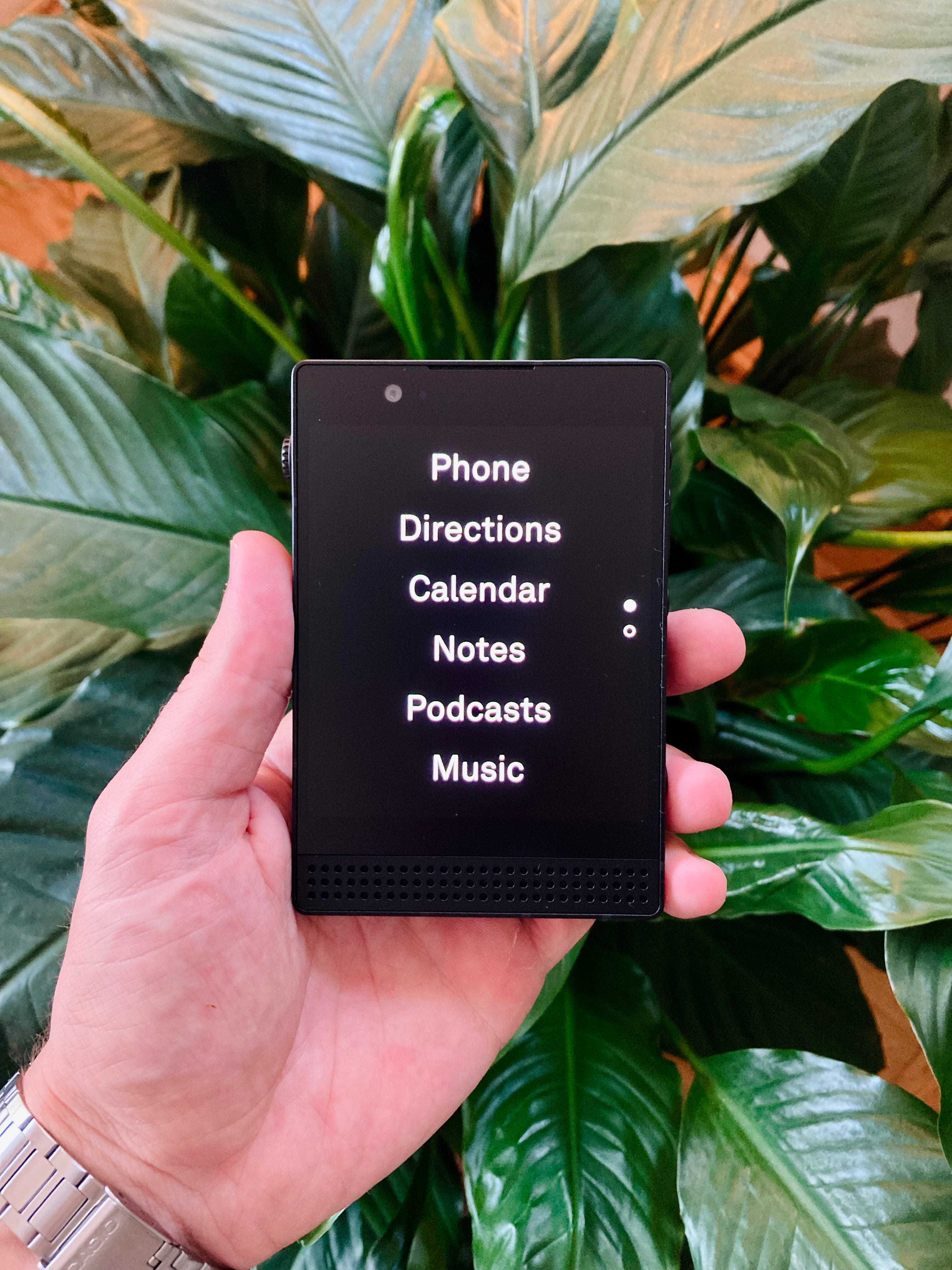
I’ll be honest, it was pretty frustrating waiting for the phone and getting minimal updates from the Light Phone team. It was also frustrating setting up the Light Phone and finding that I wasn’t receiving any texts. Thanks to Reddit, that all got smoothed out.
Things are working now and I’ve been using it for about 4 days…
and I’m loving it so far!!
There are many things I’m getting used to and some things I just don’t like (hopefully the Light team can change some of those), but I’ve really loved using it.
I’ve been spending my time better, I feel more focused when I’m working, and a bit more present to the moment.
I’ll share more of my day to day experience and thoughts on the Substack Notes feed, but if you have any questions about going from a smartphone to a dumbphone, hit me up!
📤 2. Manage Gmail Subscriptions
Gmail has slowly been rolling out this amazing feature on the mobile app and now it’s been added to the desktop version!
You can now manage all of your email subscriptions directly from Gmail, instead of signing up for a third-party app.
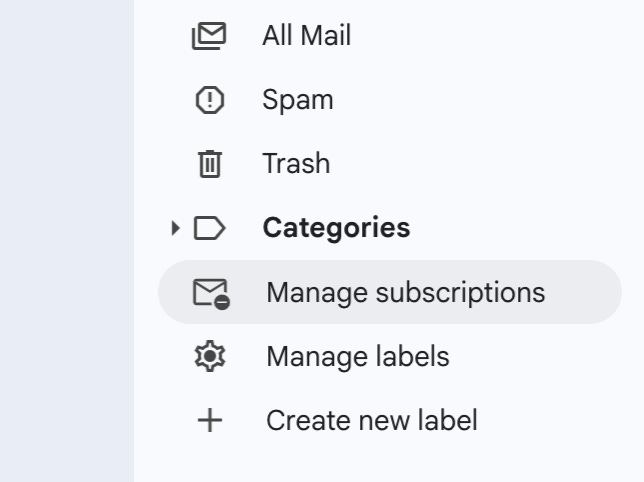
It shows you:
All of your subscriptions in a list view.
How many emails they have sent you recently.
You can click on an email and it will show you all of the emails they have sent.
There’s a simple “unsubscribe” button next to each email for you to quickly clear the clutter.
📆 3. Use Your Calendar to Be a Better Friend
This tip is stolen - ahem, inspired by Jenna Mindel’s latest post titled “Small things you can do to be a better friend.” One of her readers shared a calendar tip that stood out to me, and it’s something I’ve been doing for a couple years, so naturally I wanted to share it here too.
Your calendar isn’t just for meetings and deadlines.
It can also be used in an intentional way to love people well.
⚡️ Use your calendar to track the important moments in your friends’ lives.
Here’s how:
Birthdays: Create an all-day calendar event for each friend’s birthday. Set it to repeat yearly.
Anniversaries: Add wedding anniversaries, memorial dates, other important dates, whatever matters most to them.
Big upcoming events: Due dates, surgeries, job interviews, travel days. Add a note like “text Jake today - big interview.”
Remembering the date and sending a short message shows that you care, and will mean so much to them.
Bonus idea:
Set a recurring monthly calendar event: “Check in with 3 people.”
Then when the reminder pops up, scroll through your texts or photos and reach out to whoever comes to mind.
I also really appreciated Jenna’s disclaimer:
“Relationships are not just something else to optimize. That’s not really how they function.
But I do think we can always be thinking up new ways to be intentional in our relationships.”
Well said.
Our friendships are one of the most important things in life and a five-minute calendar habit can help us live like it.
Want to work together?
👋 When you’re ready, here are 2 ways I can help you:
⚡️ Buy My Course: The Taskflow Blueprint
A 4-week guided reset to help you clean up digital clutter, build better habits, and create a weekly planning system that actually works for your real life.
🤝 Learn about my 1:1 business consulting program
Get hands-on help implementing simple, sustainable systems for your tasks, tools, calendar, and routines - so your business runs smoother and you feel in control again.
That’s all for now! Have a great day. 👊🏼
David
😁 Enjoying the newsletter? Have a friend who would appreciate it as well? Click the button below and help me grow the Taskflow Tuesday community!
👇🏼 Thank you for your time and trust. If the newsletter no longer adds value, feel free to unsubscribe below. No worries, it's not for everyone.
💬 Is there a specific topic you want to see in future issues? Hit reply and let me know.
Yess love this!!!!
Do you have “manage subscription” option in your Gmail?