



👋 Hello!
This is issue #43 of Taskflow Tuesday, where I share 3 things that can help you to get digitally organized so that you can spend more time on what truly matters.
💻 1. Access Your Phone Through Your Mac
I’ve been using this new macOS feature for a couple weeks and I’ve found it very useful.
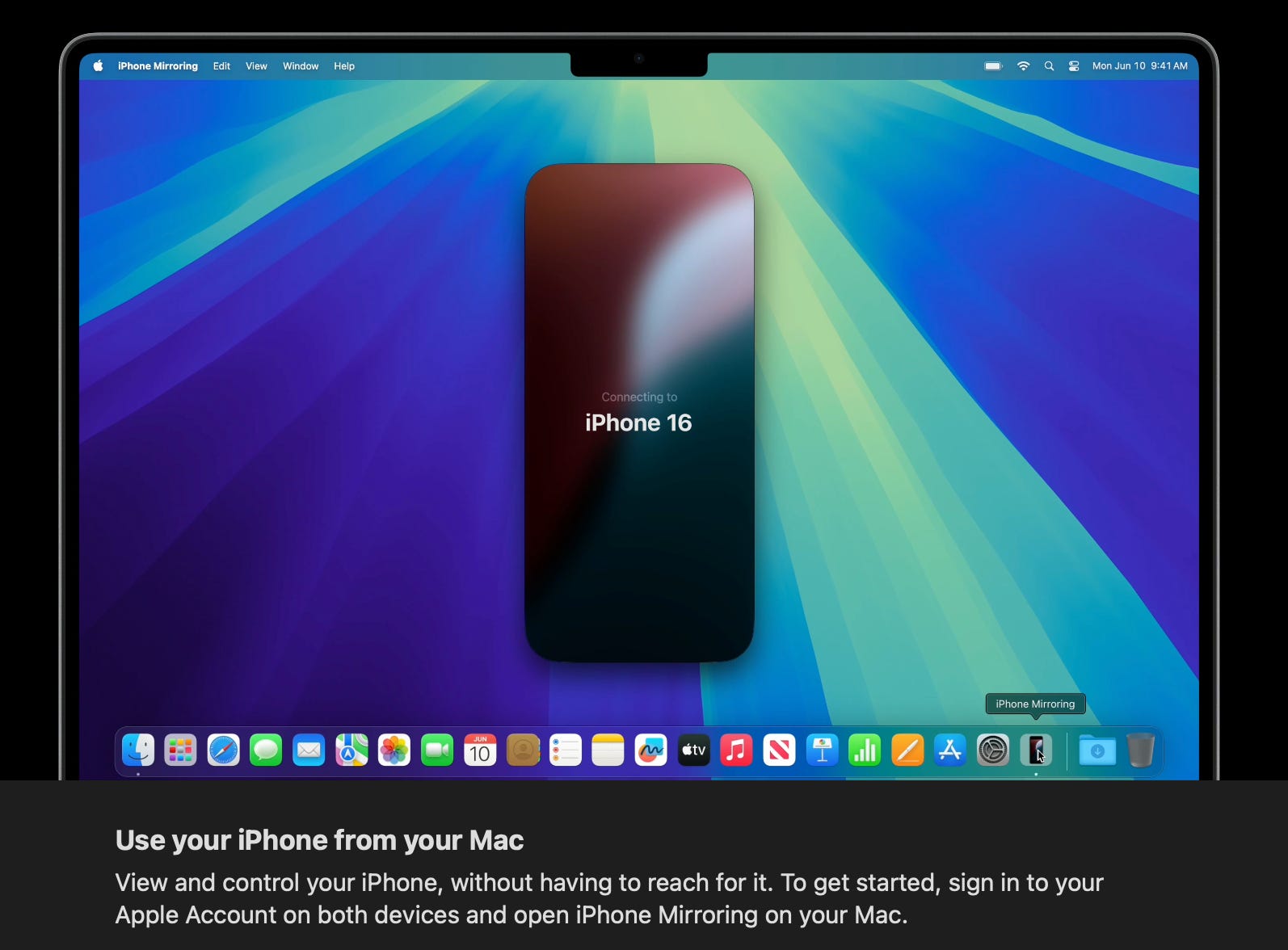
I know this sounds like a bad thing. Instant access to my phone while I’m working??
I get it.
My experience over the last few weeks has actually lowered my phone usage.
With this new feature, I’ve been able to “do that one thing real quick” on my phone without getting distracted by YouTube or Instagram. There’s something about using my phone through my laptop that takes all the fun out of scrolling time wasting apps.
Now I can access what I need on my phone without getting out of the flow of work.
Gamechanger.
📲 2. Scheduled Texts
Another new feature for you Apple users.
You can schedule texts.
To do this, go into iMessage, click the plus button (where you would add a photo) and click “Send Later”, then schedule and draft your message, and hit send.
I’ve already used this a couple times.
🚙 I scheduled a text to my wife to send in 15 mins - the time I knew it would take for her to reach her destination. Now I know I’m not distracting her while she’s on the road.
🔂 Recurring check-ins that I send weekly. I can now batch them for the month and know that I’ll never forget to send it.
Now, I have an important question for you.
Where’s the line with scheduling a text?
Comment on Substack or reply to this email with any thoughts you have on this.
⏳ 3. Productivity Timer
This timer has been a wonderful little productivity gadget.
I love when something that costs $10 has a huge return on investment.
This timer definitely does.
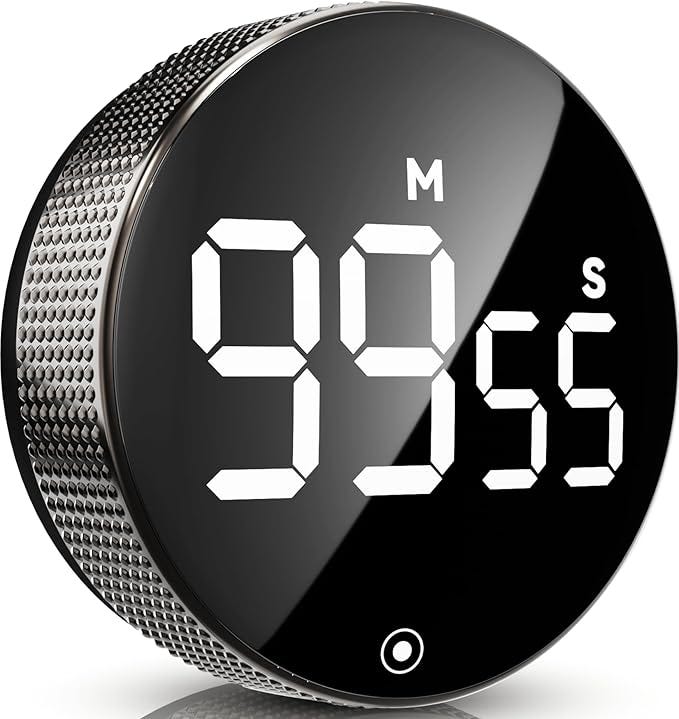
How To Use A Timer For Productivity
1️⃣ Choose the task you will work on
2️⃣ Estimate how long the task will take.
3️⃣ Set your timer for the amount of time you estimated.
4️⃣ Work on the task with full focus—no distractions, no multitasking—until the timer goes off.
5️⃣ When the timer ends, see if you were right about the time. If the task isn’t done, adjust and set another timer.
Over time, you'll get better at estimating how long things take, helping you plan your day more effectively.
Want to work together?
👋 When you’re ready, here are 2 ways I can help you:
⚡️ Join The Taskflow Blueprint. A 4-week reset designed for you to create winning habits and routines, plan your ideal week, build a custom productivity system, and more.
That’s all for now! Have a great day. 👊🏼
David
😁 Enjoying the newsletter? Have a friend who would appreciate it as well? Click the button below and help me grow the Taskflow Tuesday community!
👇🏼 Thank you for your time and trust. If the newsletter no longer adds value, feel free to unsubscribe below. No worries, it's not for everyone.
💬 Is there a specific topic you want to see in future issues? Hit reply and let me know.