



👋 Hello!
This is issue #32 of Taskflow Tuesday, where I share 3 things that can help you to get digitally organized so that you can spend more time on what truly matters.
⚡️ Free Resource
I send y’all 3 things every week. That adds up quickly.
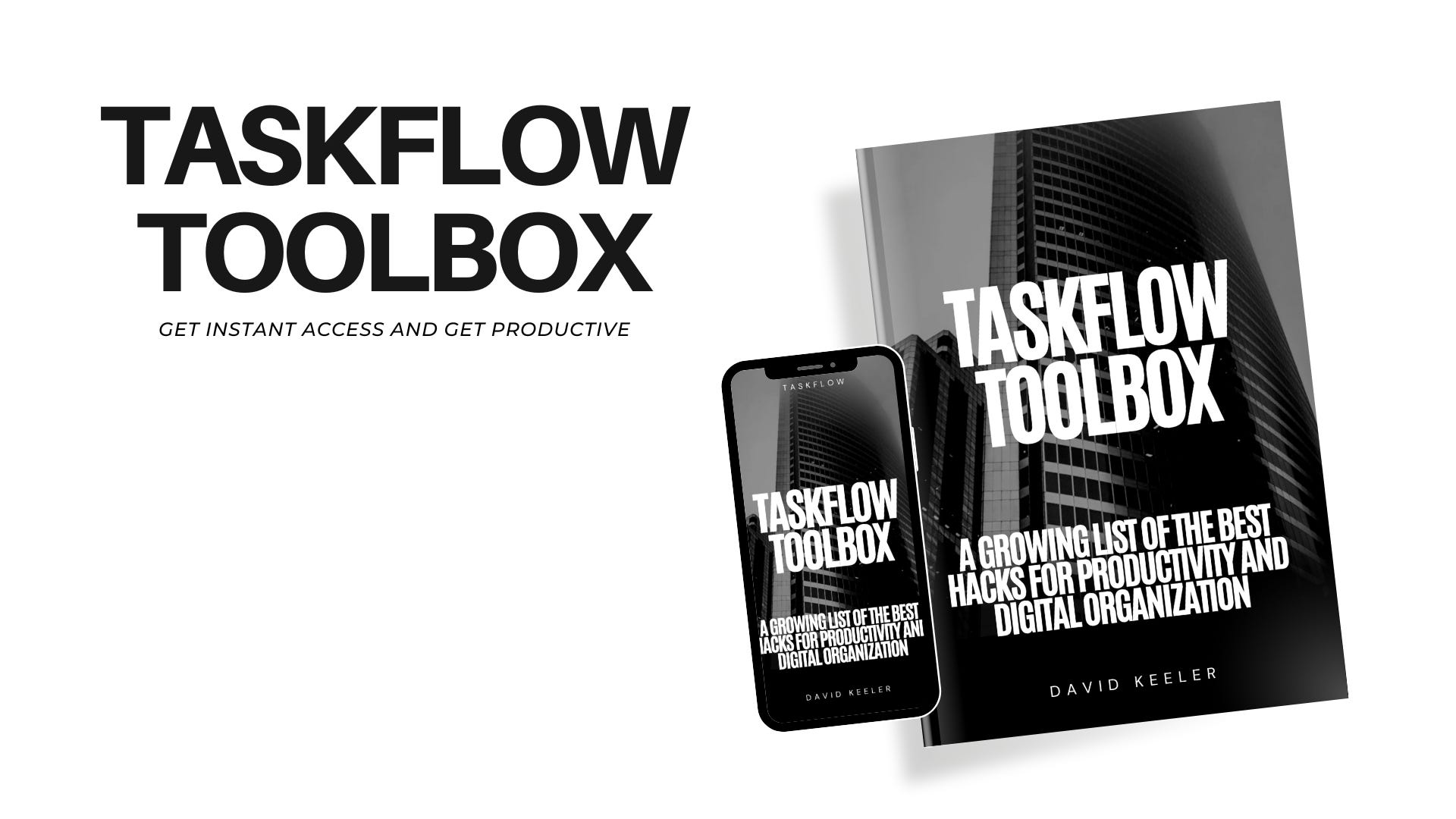
I’ve made it easy for you to go back and search through every helpful tip in this new resource: The Taskflow Toolbox
Click the button below to get access to the toolbox.
Leave a 5-star review.
Search the different categories to find what you need help with the most.
Send me an email on new topics you want me to cover.
🛠️ 1. Turn Your Phone Back Into A Tool
Remember when smartphones first emerged? They put countless tools at our fingertips — maps, music, camera, notes, and more.
Nowadays, it feels like our phones control us instead of the other way around. It's time to reclaim that control. Let's use our devices as they were intended: as tools to enhance our lives, not distractions designed to exploit us.
📲 Here are the first 5 things I did to turn my phone back into a tool:
🎯 Prioritize Essential Apps: Keep only the most crucial apps on your home screen, like email, calendar, and productivity tools.
🔇 Mute Non-Essential Notifications: Silence notifications from social media and other distracting apps to focus on important alerts.
⏱️ Use Time Management Features: Utilize built-in features like Screen Time (iOS) or Digital Wellbeing (Android) to monitor and limit app usage.
📳 Set Focus Modes: Activate "Do Not Disturb" or custom Focus Modes during work hours to minimize interruptions.
🗂️ Organize with Folders: Group similar apps into folders to keep your home screen organized and reduce clutter.
✅ 2. How To Plan Your Week
Planning your week simply involves organizing your tasks and schedule to align with your values and commitments.
Start by reviewing your to-do list and calendar, then align tasks with your schedule and adjust your daily plans to fit your commitments. Reflect on your progress at the end of each day and week, making necessary adjustments.
This process helps you stay organized and focused, ensuring you make the most of your time.
I’ve been brainstorming a more in-depth guide on how to plan your week.
For now just remember these 4 simple steps.
1️⃣ Review: Look at your to-do list and calendar.
2️⃣ Assess: Check your master calendar for an overview.
3️⃣ Align: Match tasks with available time slots.
4️⃣ Reflect: Adjust and review your plan daily and weekly.
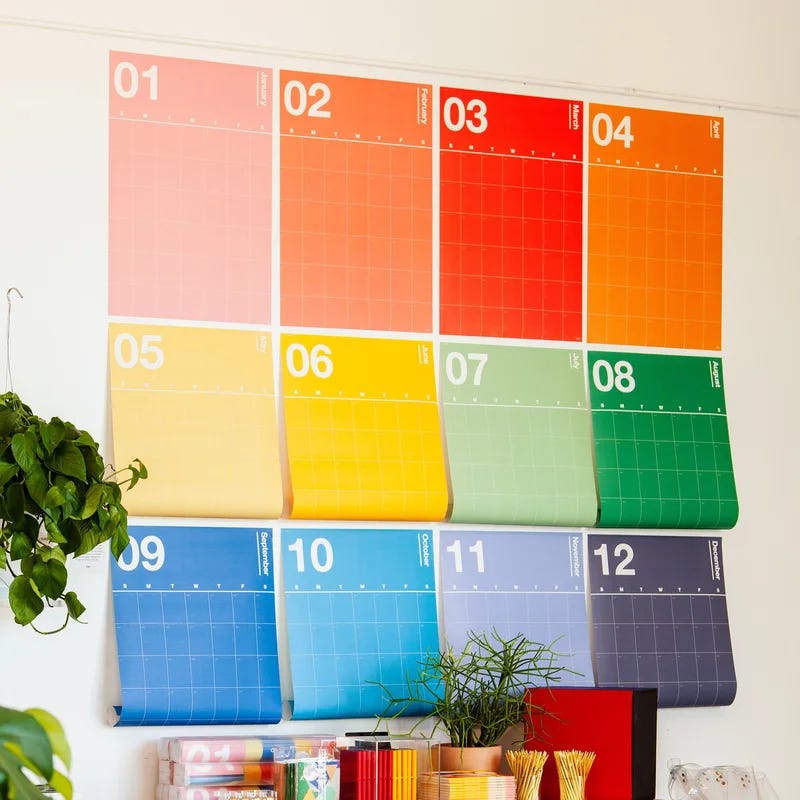
📒 3. My Favorite Stationary Brand
I love my digital productivity system but there’s always going to be room for good ole’ pen and paper.
If you love planners, calendars, and desk supplies then you should check out Poketo.
👋 Want to work together?
My coaching program is aimed at helping people get digitally organized and set up with sustainable systems.
🎯 Here's a bit of what my coaching covers:
Streamlining workflow and task management
Digital organization
Time management strategies
Click the button below if this sounds like something you'd be interested in!
That’s all for now! Have a great day. 👊🏼
David
😁 Enjoying the newsletter? Have a friend who would appreciate it as well? Click the button below and help me grow the Taskflow Tuesday community!
👇🏼 Thank you for your time and trust. If the newsletter no longer adds value, feel free to unsubscribe below. No worries, it's not for everyone.
💬 Is there a specific topic you want to see in future issues? Hit reply and let me know.